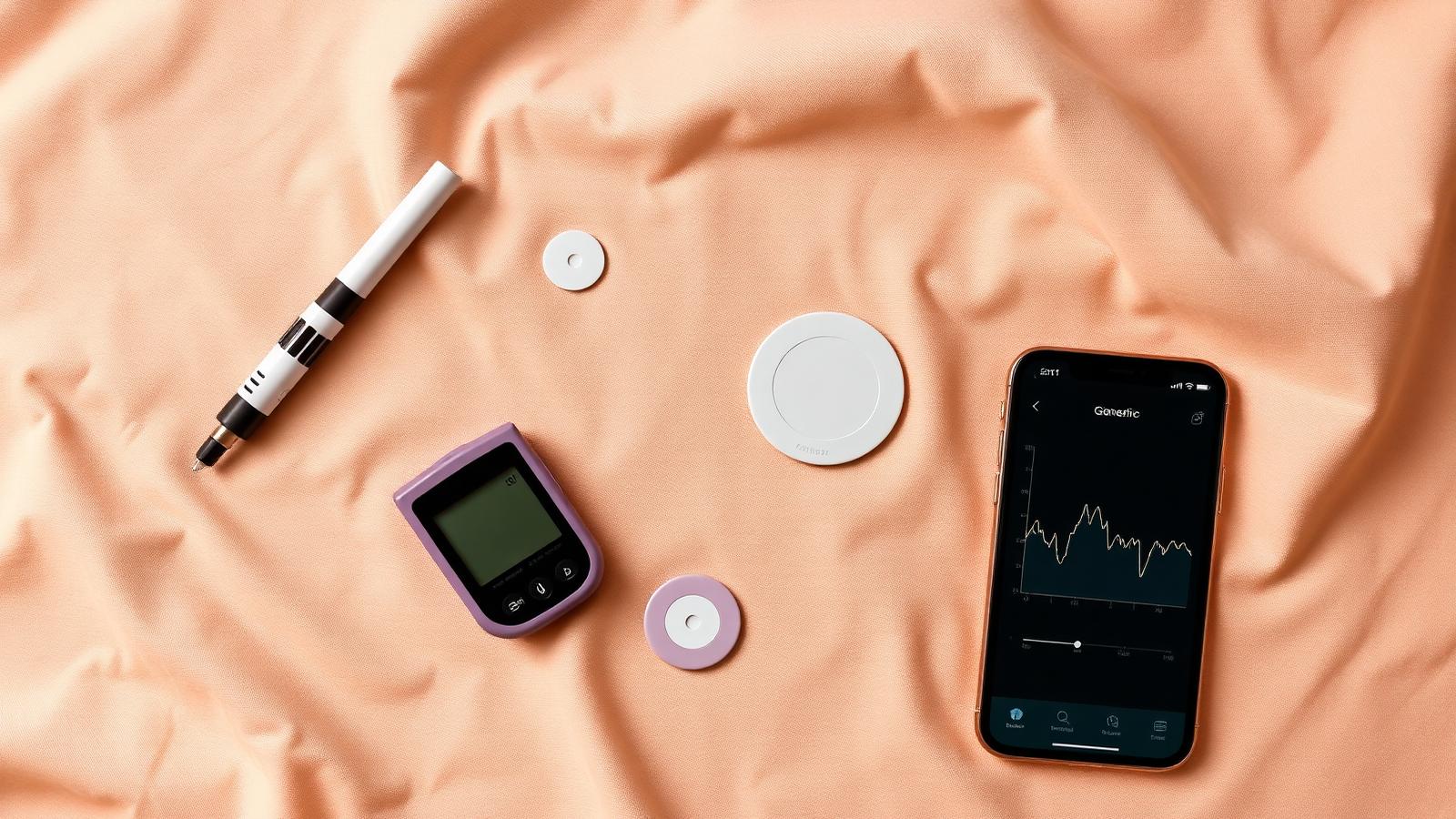
Pumps, pens, CGMs, and apps: what each one actually does
When Audrey was diagnosed with Type 1 diabetes at age five, the first two weeks felt like being dropped into a foreign country where everyone spoke the same language — just not ours.
MDI. CGM. AID. Bolus wizard. Closed loop. Time in range.
Our care team at the Barbara Davis Center was incredible — genuinely one of the best T1D programs in the country — and they explained everything. But "everything" is a lot to absorb when you're also learning how to count carbs, set alarms, and not panic every time a number blinks red on a screen.
So here is the glossary I wish someone had slid across the table on day one. No brand rankings, no dosing advice — just plain English for what each category of gear actually does.
(Full disclosure: I have no affiliation with any device maker. I mention brand names only as common examples of each category.)
1. Pens and MDI (multiple daily injections)
This is where almost every newly diagnosed family starts — and where many stay, happily, for years. MDI just means giving insulin with syringes or pens rather than a pump.
In practice it usually looks like two types of insulin: a long-acting background dose given once or twice a day, and a fast-acting correction or meal dose given each time your child eats or needs a correction. The pen is a slim, pen-shaped injector that makes the needle part quick and repeatable.
What pens don't do: they don't talk to a sensor or adjust doses automatically. Every calculation and every injection is done by a human. Your endo team will teach you how to figure out doses — that part is entirely theirs to walk you through, not mine.
The upside of MDI: simple, no hardware to troubleshoot, no tubing, no infusion site to change every few days. Plenty of kids (and adults) live full, active lives on pens. The downside: more injections per day, and the precision of dialing in doses manually has limits.
Some newer "smart pens" can log doses automatically and even connect to apps, which closes some of the gap with pump data — but they still require a separate injection each time.
2. Insulin pumps
A pump is a small device — roughly the size of an old pager, or in some designs a flat pod that sticks directly to the skin — that delivers insulin continuously through a tiny cannula (plastic tube) placed under the skin.
Instead of a separate long-acting injection, the pump delivers a steady trickle of fast-acting insulin all day (called the basal rate). When your child eats, you tell the pump how many carbs are on the plate and it delivers a mealtime dose (called a bolus).
There are two main styles:
- Tubed pumps — the device clips to a waistband or pocket and connects to a site on the body via a thin tube. Examples include pumps from Tandem and Medtronic.
- Tubeless / patch pumps — a pod adheres directly to the skin and is controlled wirelessly from a handheld device or smartphone. Omnipod is the most well-known example.
The infusion site (where the cannula sits) needs to be changed every two to three days. That's a real consideration for a seven-year-old who already has strong opinions about stickers on her body — ask me how I know.
A basic pump, on its own, is still a manual system. It delivers what you tell it to deliver. The automation comes in the next section.
3. CGMs (continuous glucose monitors)
A CGM is a small sensor — usually worn on the arm or belly — that measures the glucose in the fluid just under the skin and sends a reading to a receiver, phone, or watch every few minutes. No fingerstick required.
That word "continuous" is the whole point. Instead of a snapshot — one number right now — you get a trend line. You can see that Audrey's glucose is 140 and falling fast, which is very different from 140 and holding steady. That arrow next to the number changes everything. We wrote a whole post about what that shape actually means.
CGMs also set alarms — high alarms, low alarms, rapid-drop alarms. At night, those alarms are the reason we sleep at all.
Common examples in 2024–25: Dexcom G7, Abbott FreeStyle Libre 3, and Eversense (an implantable sensor with a much longer wear time, though less common in young children). Each has different wear durations, warm-up times, and integration options. Your endo team and insurance will have opinions — and those opinions matter more than any head-to-head comparison you read online.
One important note: CGMs measure glucose in interstitial fluid, not blood. There's a small lag — usually five to fifteen minutes — compared to a fingerstick. During rapid changes (exercise, a fast-acting meal), that lag matters. Your team will tell you when to double-check with a fingerstick.
4. Hybrid closed-loop / automated insulin delivery (AID)
This is the category that, when I first heard about it, made me tear up a little in a hospital hallway.
An AID system connects a CGM and a pump together — and then adds an algorithm that automatically adjusts the basal insulin rate based on what the sensor is reading, every few minutes, around the clock.
Glucose trending up? The system increases insulin. Glucose dropping toward a low? It reduces or pauses insulin. It won't eliminate every decision — you still bolus for meals — but it handles a huge amount of the overnight and between-meal work automatically.
The term "hybrid" is in the name because it's not fully hands-free. You still need to tell it about meals. A fully automated system (sometimes called a "fully closed loop") is still mostly in research territory, though the technology is moving fast.
Examples you'll hear about:
- Omnipod 5 — tubeless pod system with built-in AID algorithm, works with Dexcom G6/G7.
- Tandem t:slim X2 with Control-IQ — tubed pump, well-regarded algorithm, works with Dexcom sensors.
- Medtronic 780G (SmartGuard) — tubed pump with its own proprietary sensor, strong closed-loop performance in clinical studies.
Each system has trade-offs around sensor compatibility, software updates, insurance coverage, and how aggressively the algorithm responds. This is a conversation for your endocrinologist and diabetes educator — not a Reddit thread, and definitely not me.
5. Apps and trackers
Apps are the software layer that sits on top of (or alongside) all of the above.
Some apps come bundled with your device — the Dexcom app, the Omnipod 5 app — and handle the core functions of that hardware. Others are independent and designed to fill gaps the hardware apps don't cover.
Independent T1D apps generally fall into a few buckets:
- Logbooks / data aggregators — pull in data from your CGM, pump, and manual entries so you can see patterns over time. Useful at clinic appointments.
- Remote monitoring / sharing — let a parent, partner, or school nurse see glucose readings on their own phone. The Dexcom Follow app is a familiar example; other platforms do similar things across devices.
- Carb counting and meal analysis — help you estimate the carbs in a meal before you dose. This is CarbCue's category, and I'll be straight with you: we're building a tool that uses your phone camera to analyze a photo of a plate and estimate carbs, specifically for kids whose meals don't come with nutrition labels. We're pre-launch, we're one option among several, and we'll always tell you to confirm with your care team before acting on any estimate.
- Bolus calculators — some apps (a few FDA-cleared) help you work through a correction or meal dose calculation. These are the closest to clinical-grade software and should be set up with your endo team.
Apps can't replace any of the hardware above. They can make the data more usable, save time at meals, and — when a parent is watching a CGM number from a different room — provide some genuine peace of mind.
If you're just starting out and feeling overwhelmed by the app landscape, start with whatever your CGM maker provides. Everything else can wait until life settles down. We have a post on surviving the first thirty days that might help you triage.
The honest answer: there is no "best" setup
I've seen families thrive on MDI. I've seen families for whom a closed-loop system was life-changing. I've seen kids who love their pods and kids who can't stand anything stuck to their body for more than five minutes (Audrey went through a phase — we don't talk about it).
The right setup depends on your child's age, activity level, and sensory preferences. On your insurance. On what your school can support. On whether your kid will wear a CGM to swim practice or rip it off in protest.
Your endocrinologist and diabetes educator know all of those variables. They've seen dozens of families navigate exactly this decision. Ask them. Push back if something doesn't feel right. And know that the gear you start with doesn't have to be the gear you keep forever — most families adjust over time.
You don't have to figure out the whole glossary tonight. Figure out tonight, then figure out next week, then figure out the rest.
Want a head start on the carb-counting piece?
CarbCue is a pre-launch iOS app built for T1D families. Take a photo of a plate; get a carb estimate. That's the idea. We're in development and would love to have you on the waitlist.
✦ Get CarbCue at launch
Join the iOS waitlist
We're building CarbCue for families like ours. Drop your email and we'll let you know the moment it's on the App Store.